
Tech Tutor
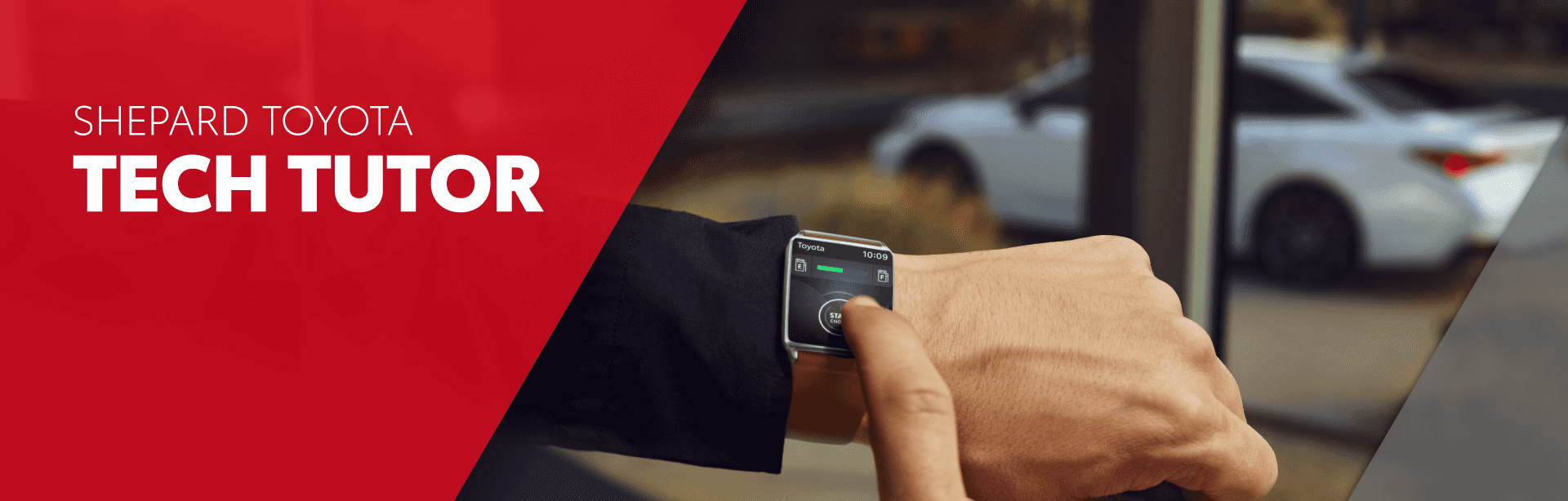
Welcome to the Shepard Toyota Technology Tutor! Vehicles today have a lot of technology and content and it can be confusing or even frustrating to figure out how everything works. We have a simple solution! Scroll down and select from the list of self-guided video tutorials. These quick video clips range from setting up a Bluetooth connection to adding a destination in navigation to learning about onboard vehicle safety technologies!
Have a question that is not covered below? No problem, give us a call at 207-594-8424 or contact us. We will be back in touch with you shortly to answer your question or schedule an appointment. Experience the Shepard Toyota difference!
Toyota Connected Services App
We are excited to tell you more about the Toyota App, which keeps you connected to your Toyota no matter where you are. The app is compatible with most mobile devices, is available as a free download for both Apple® and Android® devices, and supports 2010 and newer models.
Using the Toyota App, you can:
- Get service deals, recall alerts, and access maintenance info
- Find your Toyota, start the engine, or lock the doors remotely
- Link the Toyota App with your Toyota Financial Services account and make your payment through the app
- Access remote services using your compatible smartwatch
Any connected service plans you have selected are also accessible through the Toyota App:
- Safety Connect
- Service Connect
- Drive Connect
- Wi-Fi Connect
- Remote Connect is standard with all of the above plans
Download and install the latest version of the Toyota App by visiting the App Store™ or Google Play. Select “Register” and follow the instructions, or sign in using your My Toyota, Lexus Drivers, or SmartPath account credentials.
To add your vehicle to the Toyota App, launch the app on your smartphone and sign in or register. Select “Add Vehicle” and follow the steps in the app.
Voice Assistant
Experience the future of driving with Toyota’s Voice Assistant and Intelligent Assistant. This video shows you how to control your car’s audio, climate, and more using voice commands in the 2025 Toyota Camry.
Connecting to Bluetooth
Learn how to set up Bluetooth on your 2025 Toyota Corolla in this step-by-step guide. We’ll walk you through enabling Bluetooth, connecting your phone, and setting up Apple CarPlay or Android Auto.
Remote Connect
Watch this video to gain an understanding of how Toyota Skill for Amazon Alexa works in select Toyota vehicles.
Using Toyota Navigation
In this video, we’ll show you how to use Waze on Apple CarPlay and Android Auto in your Toyota vehicle’s audio multimedia system. Waze is a popular community-based navigation app with live reporting on traffic, police, construction, and more.
Lane Departure Alert
Discover how Lane Departure Alert with Steering Assist helps detect lane drift, warn you, and gently steer you back on course.
Using the Kick Sensor
The 2021 Toyota RAV4 offers an available power rear liftgate for hands-free access the cargo area. Watch now to see how to use it!
Frequently Asked Questions
What is Toyota Tech Tutor?
Toyota Tech Tutor is a complimentary service that helps owners learn how to use the technology features in their vehicle, including multimedia systems, smartphone connectivity, navigation, and driver-assistance technologies.
Is Toyota Tech Tutor free?
Yes. Shepard Toyota offers Tech Tutor appointments at no charge to help customers get the most out of their Toyota ownership experience.
Can Shepard Toyota help me set up Apple CarPlay® and Android Auto™?
Absolutely. Our team can help you connect your smartphone, configure settings, and learn how to use your favorite apps safely while driving.
Can Tech Tutor help me pair my phone using Bluetooth®?
Yes. We can assist with Bluetooth pairing, phonebook syncing, audio streaming, and troubleshooting connectivity issues.
Can I learn how to use Toyota Safety Sense™ features?
Yes. Our technology specialists can explain and demonstrate features such as Lane Departure Alert, Adaptive Cruise Control, and Pre-Collision System functionality.
